
For iPhone
A calendar for your protein.
Log what you eat and watch the year fill in, one square at a time. One number, no calorie counting, no account — just a quiet record of the days you showed up.
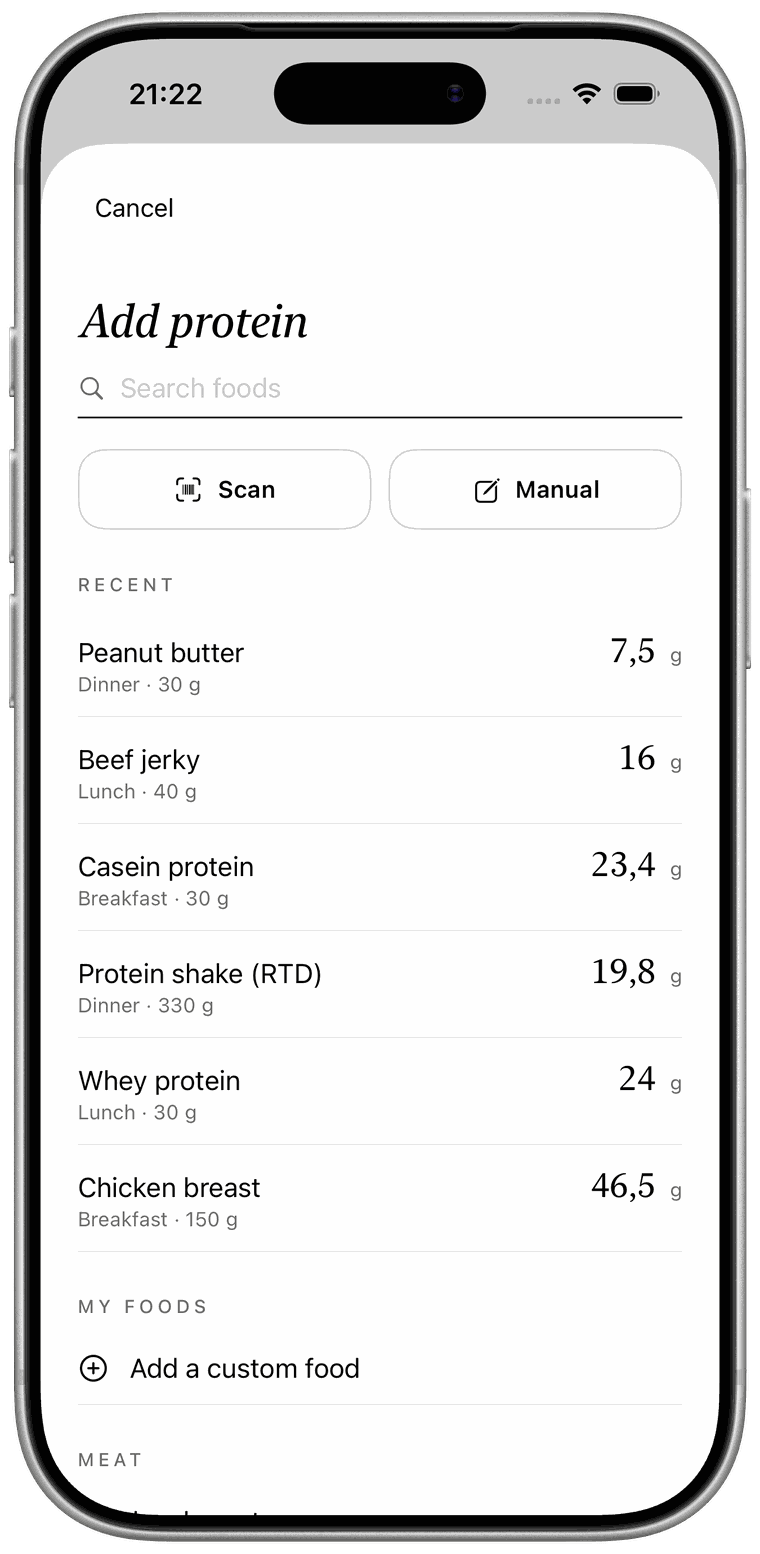
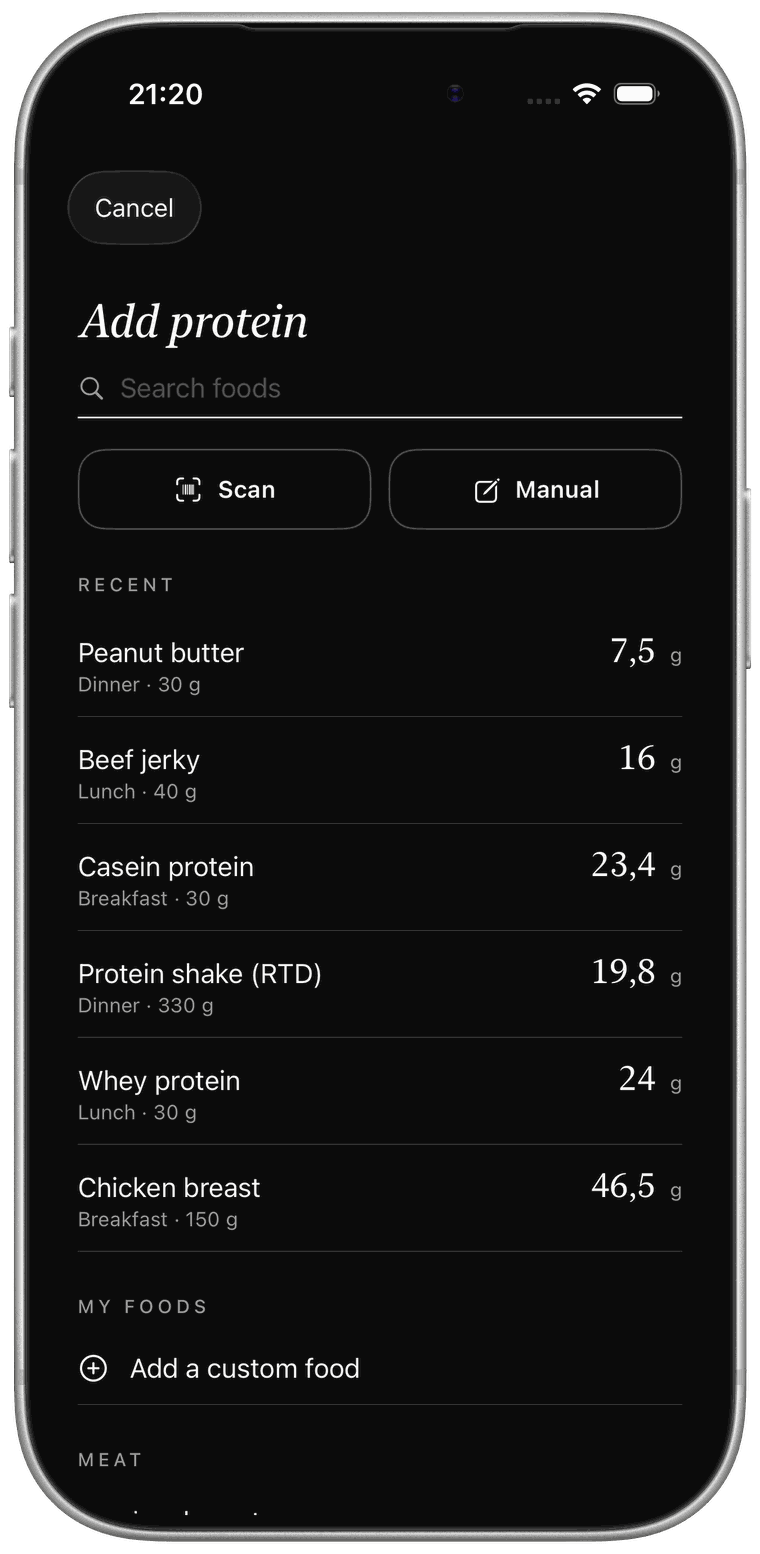
Scan a barcode or tap a food you eat often. Most entries take about five seconds.
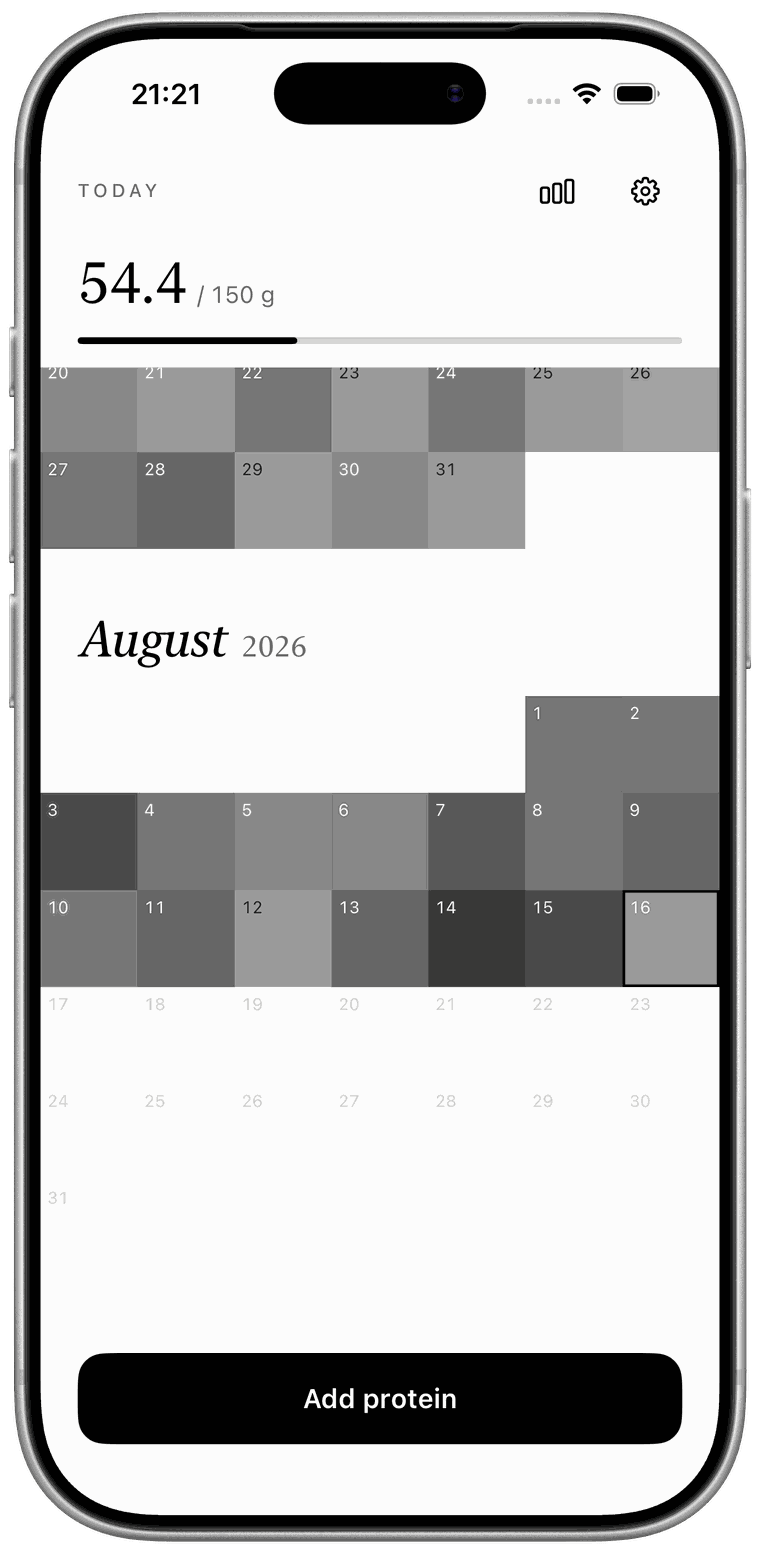
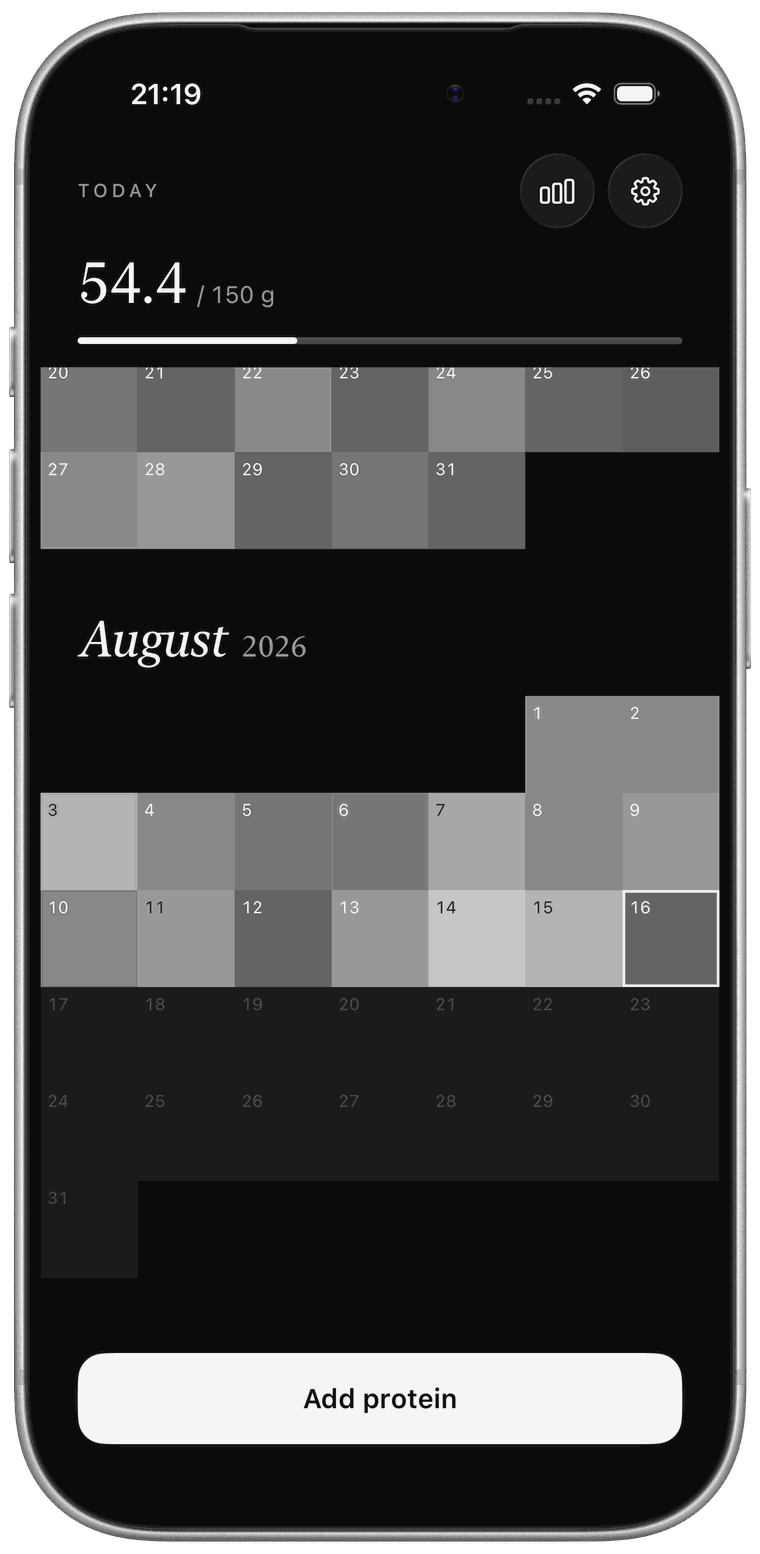
Each day becomes a square. The more protein, the darker it gets.
Months of squares turn into a pattern you can read at a glance — and want to continue.
Features
Built to be closed quickly.
Most food trackers want your whole day. This one wants ten seconds and then gets out of your way.
The year, as one picture
Every day is a square, shaded by how much protein you logged. A month of effort is visible in a single glance — and so is a month of drifting. It is the clearest feedback a tracker can give you, and it costs nothing to read.
Logging that takes seconds
Scan a barcode, pick from your recent foods, or type a number straight in. The foods you actually eat rise to the top, so most days are two taps. No searching a database of forty thousand chicken breasts.
Trends worth looking at
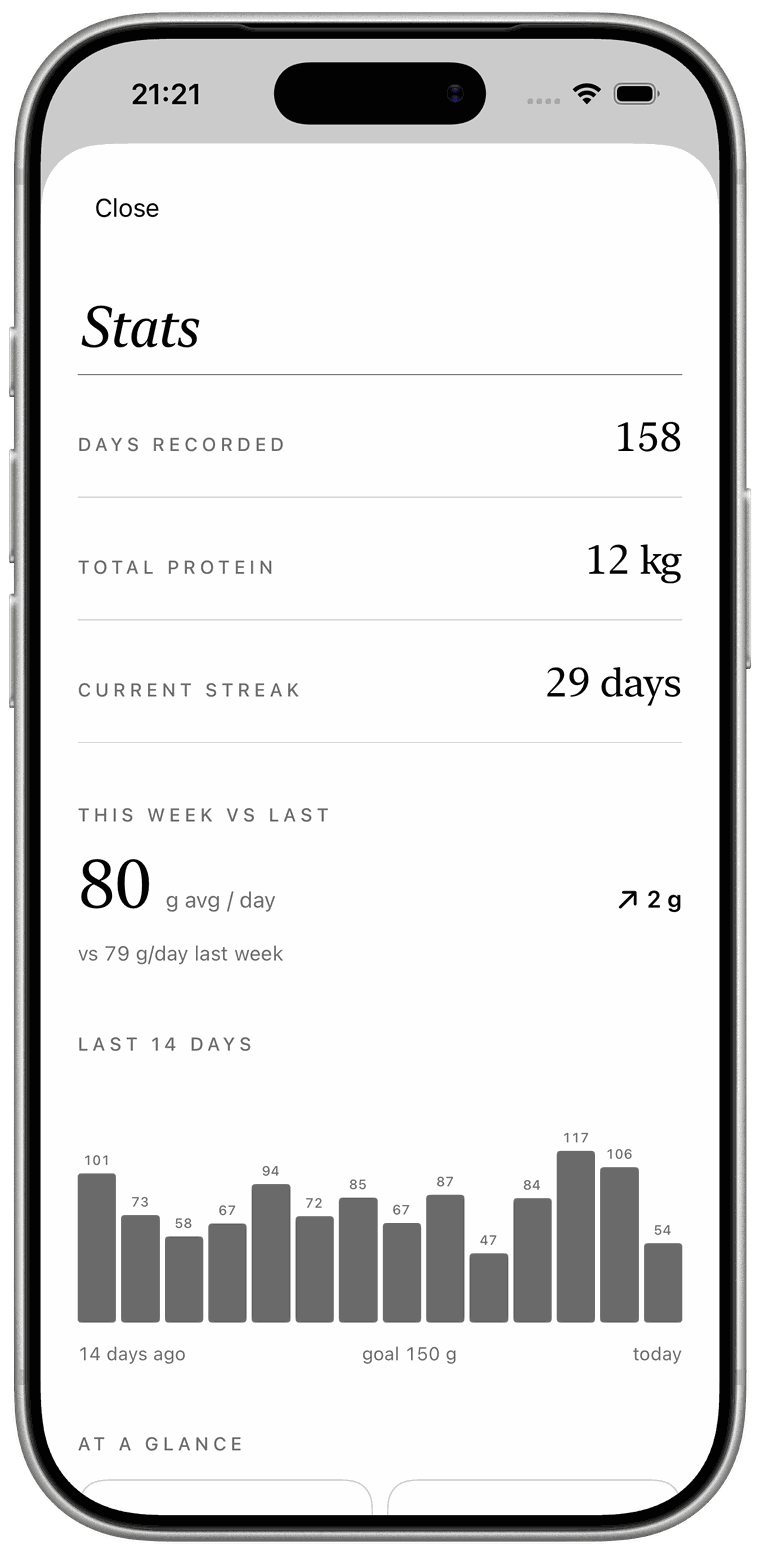
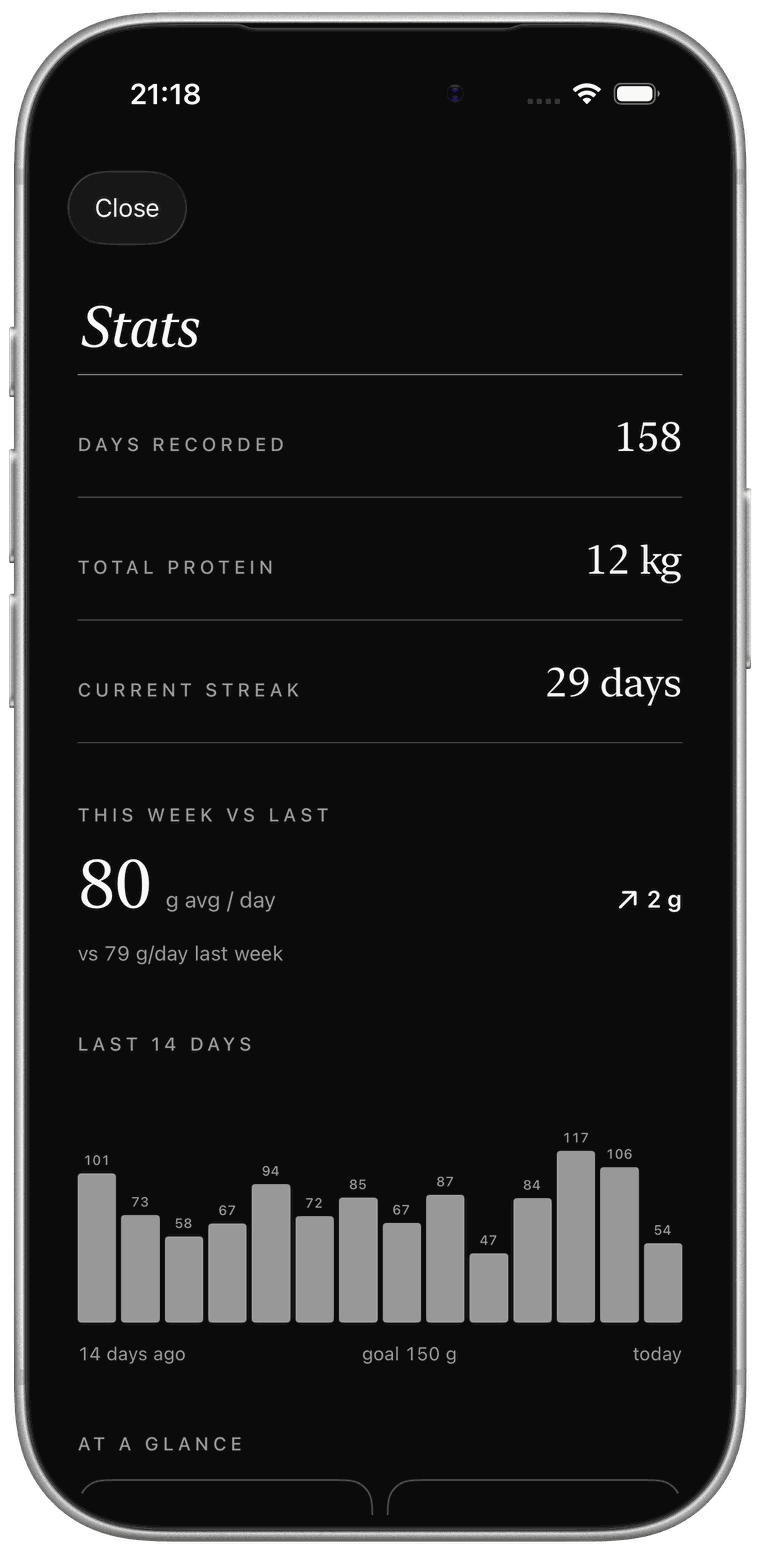
This week against last. A fourteen-day bar chart. Your average, your best day, your streak. Enough to tell whether things are moving, without turning your diet into a spreadsheet.
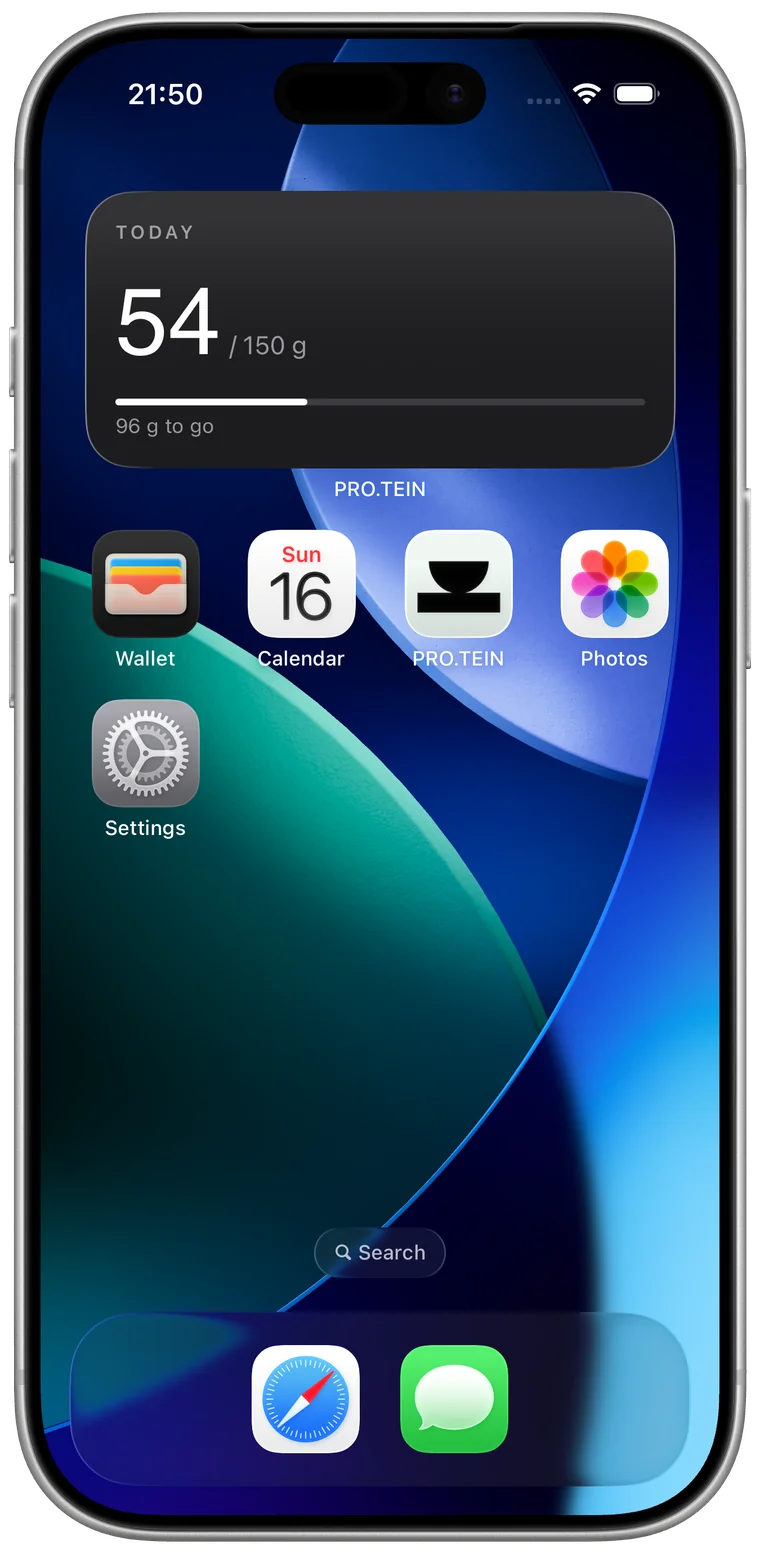
On your Home Screen
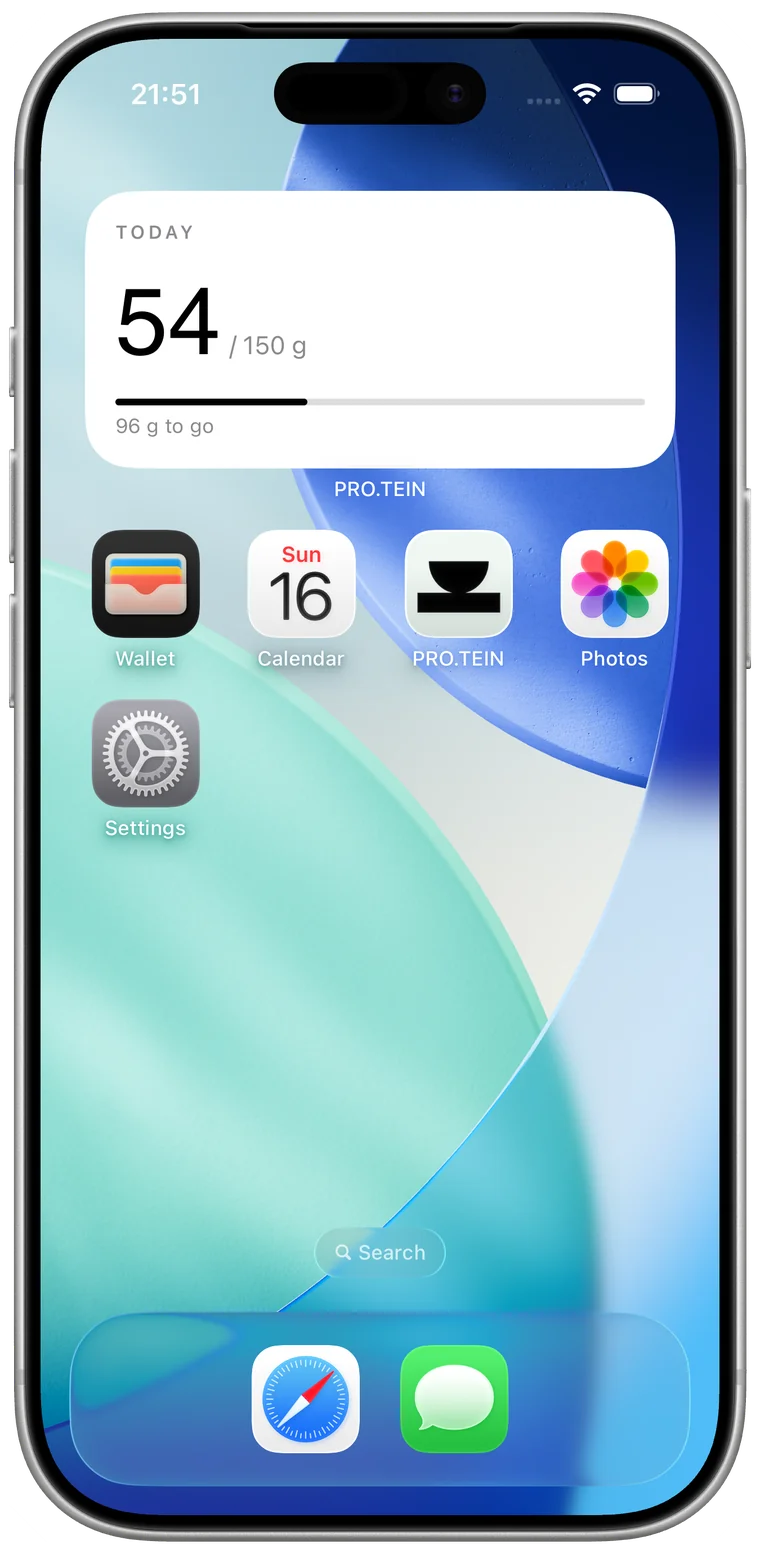
A widget puts today's total and how much is left where you will actually see it. Most of the value of a tracker is remembering it exists.
Also inside
The rest of it.
Barcode scanning
Backed by Open Food Facts. Only the barcode leaves your phone.
Apple Health
Opt-in. Reads your weight to suggest a goal, writes protein back.
iCloud sync
Your own private iCloud account. We never see any of it.
Your own foods
Save the things you eat weekly once, then log them in a tap.
Reminders
Scheduled locally on your device. Off by default.
No account
No sign-up, no password, no email address. Open it and start.
Nineteen languages
The app follows your iPhone — German, Japanese and Polish through to Swedish, Czech and Turkish.
Privacy
We can't see your data. That's the design.
There is no analytics in this app, no advertising, no tracking across other apps, and no IDFA. We run no servers that hold what you log — it lives on your device and in your own iCloud. The only thing that ever leaves is a barcode, when you choose to scan one.
Guides
How much protein do you actually need?
Plain-English answers to the questions people ask before they start tracking, with the numbers the research actually supports.
Protein calculator
Enter your weight, training and goal. Get a daily target in grams and a per-meal split, with the reasoning shown.
Calculate →How much protein per day?
Why 0.8 g/kg is a floor rather than a target, and what the evidence suggests for people who train.
Read →Protein per kilo of body weight
How to turn your weight into a daily number, and what to do if you're carrying extra fat.
Read →High-protein foods, ranked
Protein per 100 g for the foods people eat most, and why per-serving beats per-100 g.
Read →How much protein per meal
The 20–40 g question, whether timing matters, and what actually happens to the excess.
Read →Protein and building muscle
What protein can and can't do without training, and the honest size of the effect.
Read →Do you need protein powder?
A convenience product, not a magic one — when it earns its place and when it doesn't.
Read →Questions
Before you download.
Do I need an account to use PRO.TEIN?
No. There is no sign-up and no password. Your data is stored on your device, and syncs through your own private iCloud account if you're signed in to iCloud.
Does PRO.TEIN count calories?
No, and that's deliberate. It tracks one number, so logging a meal takes seconds instead of minutes. If you want full macro and calorie tracking, a different app will serve you better — and we'd rather say so than waste your time.
Can I scan barcodes?
Yes. Scanning looks the product up in Open Food Facts, an open community food database, and fills in the protein content. Only the barcode is sent — no personal information. Because the database is community-maintained, an occasional entry is missing or wrong, and you can correct it before saving.
Does it work with Apple Health?
Yes, and it's opt-in. PRO.TEIN can read your most recent body weight to suggest a protein goal, and write the protein you log back to Apple Health. You can revoke either permission in the Health app under Sharing → Apps at any time.
Is PRO.TEIN free?
The app is free to download, and logging your protein every day is free. A subscription unlocks the full history archive, trends, Apple Health sync and custom foods. Subscriptions are handled by Apple and you can cancel in your App Store settings.
What happens if I miss a day?
Nothing. The square stays empty and you carry on. There are no guilt notifications and no penalties — an empty square is information, not a failure.
What languages does PRO.TEIN speak?
Nineteen: English, German, Spanish, French, Italian, Portuguese, Polish, Japanese, Korean, Traditional Chinese, Swedish, Danish, Norwegian, Finnish, Dutch, Turkish, Czech, Hungarian and Romanian. The app follows your iPhone's language automatically, and dates, numbers and units follow your region.
Is my data private?
Yes. No analytics, no advertising, no tracking, no IDFA, and no servers of ours holding your data. The full detail is in the privacy policy.
Start filling in squares.
Free to download. No account, no ads, no tracking.